
1.
Babu88 Login Page for Bangladesh Users
Log into your account on the Babu88 platform in seconds using your mobile number or email and password. The site supports login via web browser or mobile app, both offering the same fast and secure experience. Once you’ve completed registration and verification, you can access your profile anytime to place bets, play casino games, claim bonuses, and manage deposits and withdrawals. The platform uses encryption and account protection features to keep your data safe during every session.
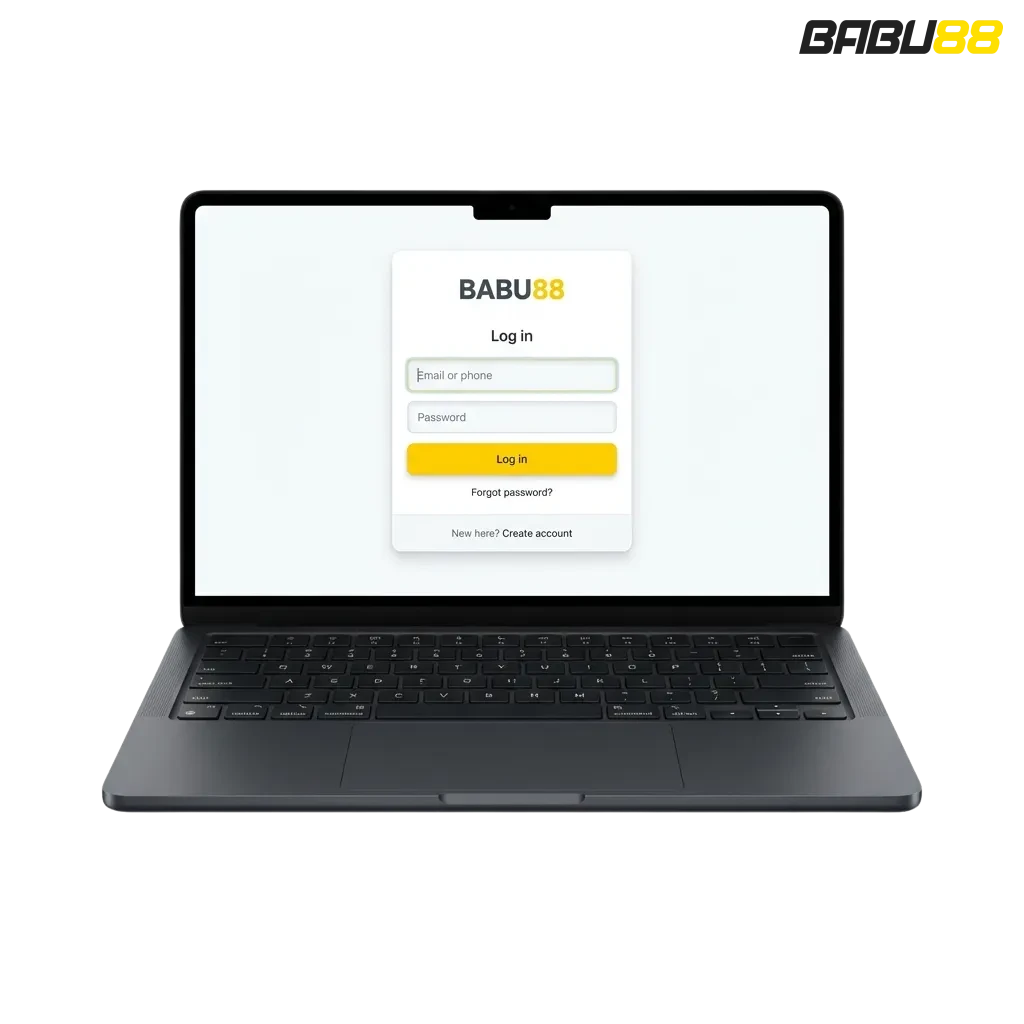
Babu88 Account Login Options in Bangladesh
You can sign in to your Babu88 profile using several methods depending on your registered details. Available options include email and password, mobile number and password, or one-tap login if saved credentials are enabled.
This is the most common method and works across all devices. You’ll need the email address you used during registration and your chosen password. Here’s how to sign in:
- Open the homepage and click the Login button in the top-right corner.
- Enter your registered email in the first field.
- Type your password in the second field.
- Press the Login button to access your profile.
If you’ve enabled auto-fill on your browser or app, the system will remember your details for faster access next time.
Login at Babu88 via App
Logging in through the Babu88 app is faster than using a browser because your credentials are stored locally after the first successful session. The app also supports biometric authentication on supported Android and iOS devices.
2.
Open the app and tap the Login button on the home screen.
3.
Enter your mobile number or email, then type your password. If you’ve enabled fingerprint or face recognition, tap the biometric icon instead.
4.
Confirm your details and tap Login to access your dashboard.
5.
Your session stays active until you manually log out or clear app data.
The app remembers your login state, so you won’t need to re-enter credentials every time you open it.
Possible Account Login Problems on Babu88 and their Solutions
Some users face technical or credential-related issues when trying to sign in. Below are the most common problems and how to fix them.
| Problem | Solution |
|---|---|
| Incorrect password entered | Double-check your password for typos. Use the eye icon to reveal hidden characters. If still wrong, click Forgot Password to reset it. |
| Account locked after multiple failed attempts | Wait 15 minutes before trying again. If the issue persists, contact customer support via live chat or email. |
| Page not loading or Login button unresponsive | Clear your browser cache and cookies, or restart the app. Try switching between mobile data and Wi-Fi. |
| Two-factor authentication code not received | Check your SMS inbox and spam folder. Request a new code after 60 seconds. Make sure your registered mobile number is correct. |
| Session expired after successful login | This happens when your connection drops during authentication. Refresh the page and log in again. Enable “Keep me signed in” to extend session time. |
Recovering a Forgotten Password
If you’ve forgotten your password, you can reset it in a few steps using your registered email or mobile number. The process is secure and takes less than five minutes.
1.
Click the Forgot Password link on the login page.
2.
Enter your registered email address or mobile number in the field provided.
3.
Check your inbox or SMS for a verification code or reset link.
4.
Enter the code on the recovery page, or click the link to open the password reset form.
5.
Create a new password, confirm it, and save your changes. You’ll be redirected to the login screen automatically.
FAQ
Can I stay logged in on multiple devices at the same time?
Yes, you can remain signed in on your phone, tablet, and desktop simultaneously. However, if you log in from a new device, older sessions may expire depending on your security settings.
What should I do if I can’t remember my registered email or mobile number?
Contact customer support through live chat on the site. Provide your full name, date of birth, and any previous transaction details to verify your identity.
Is it safe to save my login details in the browser?
Browser auto-fill is generally safe if you use a private device. Avoid saving credentials on shared or public computers.
Why does the app log me out automatically after a few days?
This is a security feature. Sessions expire after a set period of inactivity. You can extend session time by enabling “Keep me signed in” during login.
Can I log in if my account is under verification?
Yes, you can sign in, but certain features like withdrawals or bonus claims may be restricted until your documents are approved.
Updated:
Comments